Sending Digital Cases
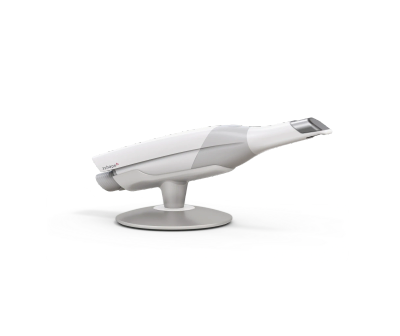
The easiest way to send us a digital case is by connecting your intraoral scanner directly to Marola Dental Laboratories.
If you have not yet connected your scanner, please visit our download page where you will find Scanner Connection Guides for simple instructions on how to connect your scanner to our laboratory.
Alternatively, if you have exported your scan files, you can upload them securely using the button below.
Before uploading please ensure you include:
✔ Upper scan
✔ Lower scan
✔ Bite scan (where applicable)
✔ Any clinical photographs that may assist
✔ Your completed laboratory prescription (PDF)
File Naming:
To help us identify your case quickly, please rename your files before uploading.
We recommend using the following format:
Practice Name, Patient Initials, File Type
For example:
Maryland Dental_AB_Upper.stl
Maryland Dental_AB_Lower.stl
Maryland Dental_AB_Bite.stl
If you are uploading several files for the same case, you may also upload them together as a single ZIP folder.
Please note:
• Please do not include the patient's full name. Use patient initials or your own reference only.
• Uploading scan files alone does not constitute a laboratory prescription. Laboratory instructions must be provided via email, or a completed laboratory prescription form.
• Our preferred method of receiving digital cases is via a direct scanner connection whenever possible.